How to Read Spotify for Artists Analytics: Unlocking Your Music's Potential
As an independent artist, you may feel overwhelmed by the complexities of music promotion. You have poured your heart into 50 songs, yet find yourself staring at zero playlist placements, feeling invisible despite grinding for three hard years. You might even be wondering why your recent $500 promotion yielded no real results. Relatable, right? Here’s the bottom line: understanding how to read Spotify for Artists analytics can turn your frustration into empowerment, equipping you with the insights you need to drive your music career forward.
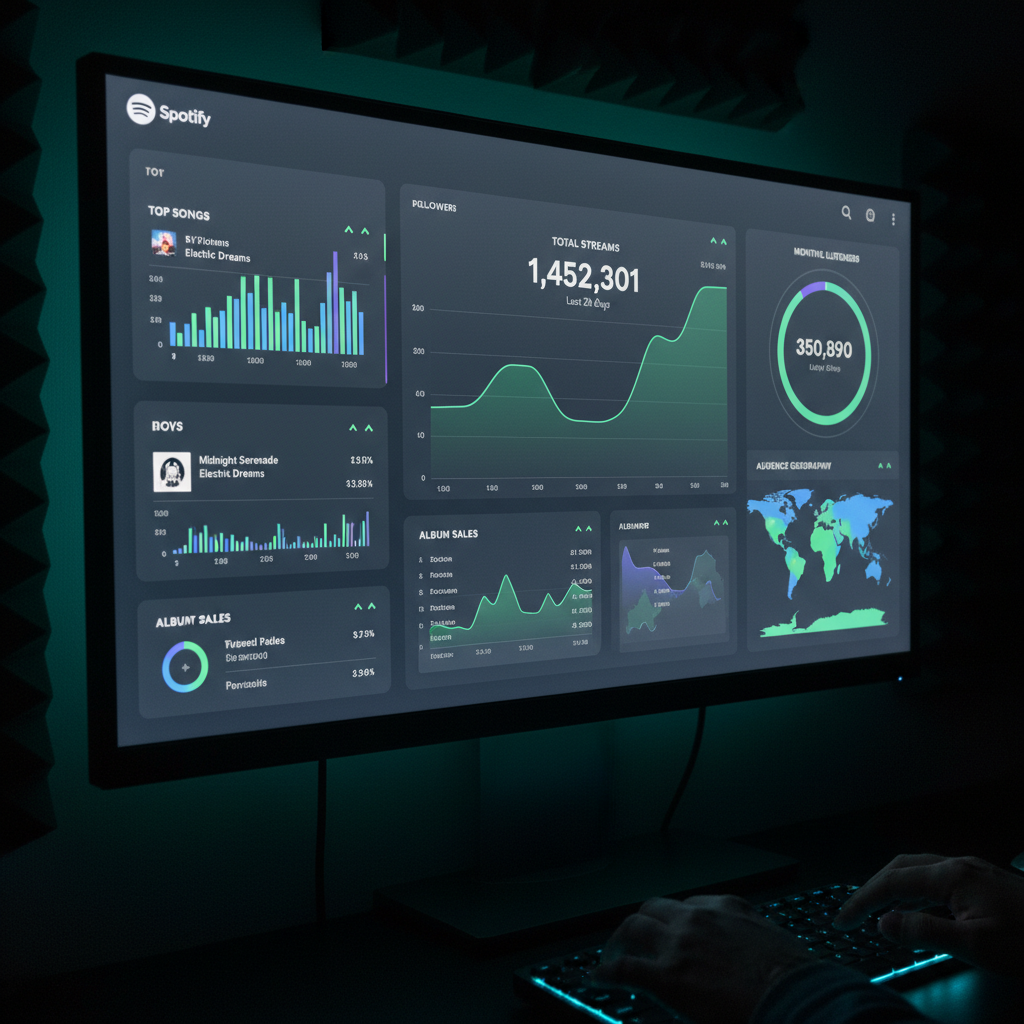
To quickly answer your query, how to read Spotify for Artists analytics involves analyzing key metrics like streams, saves, and playlists, then leveraging that data to make informed promotional decisions. Let’s dive deep into how you can not just read, but effectively utilize these analytics to enhance your visibility and grow your fan base.
Understanding Your Metrics: The Foundation of Analytics

One of the major obstacles you may encounter is grasping what each metric signifies within your Spotify for Artists dashboard. Many artists overlook vital insights that could clue them into their audience's behavior.
- Streams: Count of how many times your songs have been listened to.
- Saves: How many users have saved your tracks for offline listening.
- Playlist Adds: Tracks that have been added to curated playlists.
Begin by focusing on your streams and saves. Aim for a save-rate threshold of 10%+ to trigger the algorithm favorably. This means if your song has 1000 streams, you should ideally have at least 100 saves.
"Understanding your analytics should be like using a compass. It guides you towards what works best for your music career."
Conquering the Spotify Algorithm: Factors That Drive Visibility
As an artist, you might feel lost in the vast ocean of Spotify's algorithm. Without clarity, promoting your music can seem like navigating through thick fog. However, you can break through the haze by understanding how to read Spotify for Artists analytics.
- Release Radar: Aim for at least 1,000 saves in the first week of releasing a new track to enhance your chances of appearing on Release Radar.
- Analyze Playlist Add Rates: Track how many playlists your songs appear in. A typical addition rate is around 10%, but achieving this requires consistent engagement.
- Monitor Audience Engagement: Use metrics like unique listeners and follower growth to gauge your reach.
By utilizing the SongBiz algorithm tracker, you can keep tabs on how your song performs in terms of these metrics, making it easier to strategize your next steps.
The Importance of EPKs: Telling Your Story to the Industry
Many independent artists underestimate the power of a well-crafted Electronic Press Kit (EPK). Without one, getting noticed by curators, venues, or media can feel like you're yelling into a void. However, observing how your songs perform can inform the narrative of your EPK.
- Include Analytics: Present your Spotify metrics to showcase listener engagement.
- Highlight Achievements: Showcase milestones like placements or notable streams.
- Brand Consistency: Use design tools, such as Canva, to align visuals with your music identity.
"A great EPK tells the story of your music career through relatable stats and compelling visuals."
Unlocking Opportunities: Grant Research and Venue Booking
Once you've assessed your metrics, you might face challenges in securing grants or booking shows. A practical approach involves aligning your insights with external opportunities.
- Research Grants: Identify grants available for artists in your genre and geographic area.
- Utilize Booking Agencies: Leverage AI tools like SongBiz's AI Booking Agent to automate the booking process.
- Follow Up: Track your outreach engagements and measure response rates using analytics.
By integrating real-time feedback and metrics into your planning, you position yourself favorably against others in the industry.
FAQs: Navigating Spotify for Artists Analytics
What key metrics should I focus on in Spotify for Artists?
Focus on streams, saves, and playlist adds. These metrics provide insights into how well your music is receiving engagement and can guide your promotional strategies.
How many saves do I need for my song to be featured on playlists?
Aim for at least 1,000 saves in the first week of release to stand a better chance of being featured on Spotify's Release Radar.
Can I improve my analytics skills?
Yes! Familiarizing yourself with the metrics in Spotify for Artists and using resources like tutorials will enhance your analytics skills significantly.
How can SongBiz help with Spotify analytics?
SongBiz provides tools like an algorithm tracker and an EPK builder to help you make sense of your data and present your music in a compelling way.
Transforming Your Insights into Action with SongBiz

Understanding how to read Spotify for Artists analytics is the first step to turning your frustrations into opportunities. Armed with real data, you can make informed decisions, enhance your promotional strategies, and connect with audiences like never before. With SongBiz, harnessing the power of your analytics is easier than ever. Our AI features automate the heavy lifting—whether it's pitching to playlists or organizing your upcoming gigs. Don’t let another song go unnoticed. Start your free trial at SongBiz to unlock valuable insights and take your music career to the next level! → https://songbizpro.com